Collection of my electronics projects
iPod classic 5.5 upgrade
I got iPod classic 5.5 gen (the thin one) 120GB from an acquaintance, and wanted to use it more, which is hard with the original harddrive, for longavity reasons.The og harddrive pulls way too much power, takes too much space inside, and adds a level of carefullness one must do with it. Plus the original battery was already starting to swell, so it was due an upgrade anyways.
Acquiring the parts. On Aliexpress there is multiple ways one can go with it. You can get a replacement for the original battery, get a bigger one, and the bigger ones come in multiple sizes. I went with the middle of the road - the "2000mAh square battery upgrade".
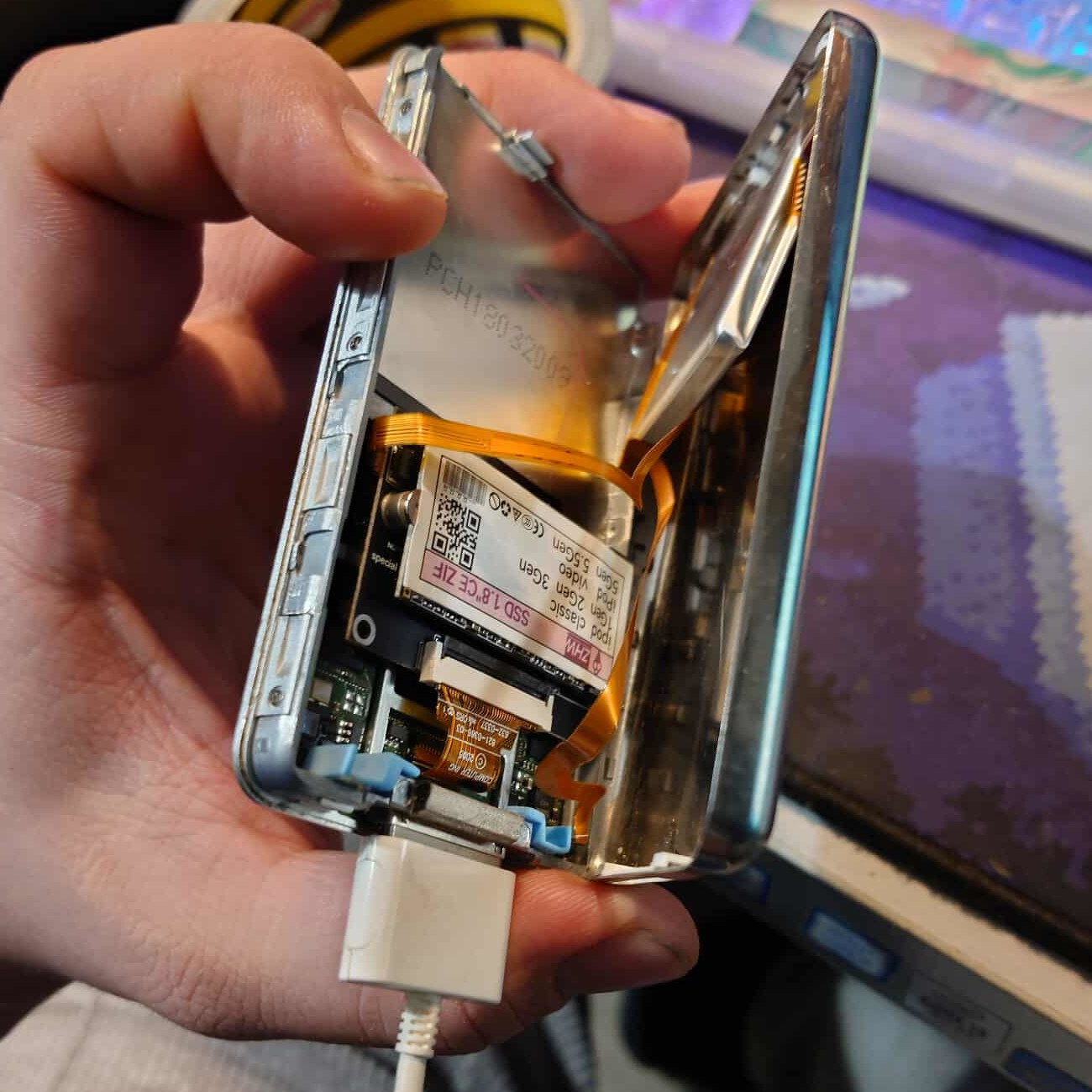
It is way bigger than the original, and still leaves enough space for multiple storage upgrade options. Where, again, one have multiple options. I went, again, for the middle of the road option. The msata ssd adapter, with 128gb ssd preinstalled.
It was similar in price to an unpopulated microSD adapter, may sip a bit more power, but is still a substantial upgrade non the less.
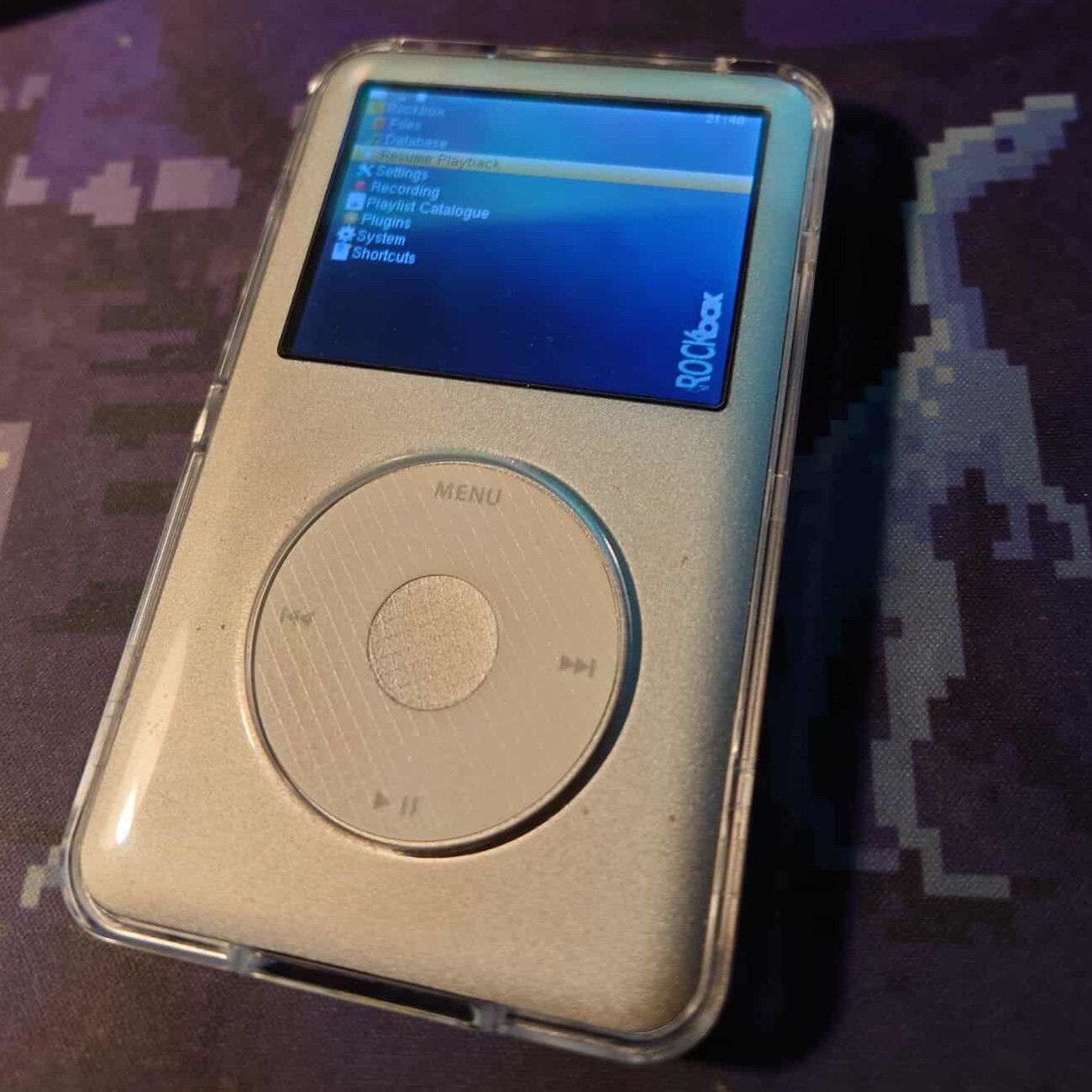
Why only 128gb ssd? Well - The 5.5 gen iPod classic, with original firmware, doesn't recognize more than 120gb, and at the time I wasn't yet sure if I wanna go full time RockBox or not (RockBox mitigates this limitation).
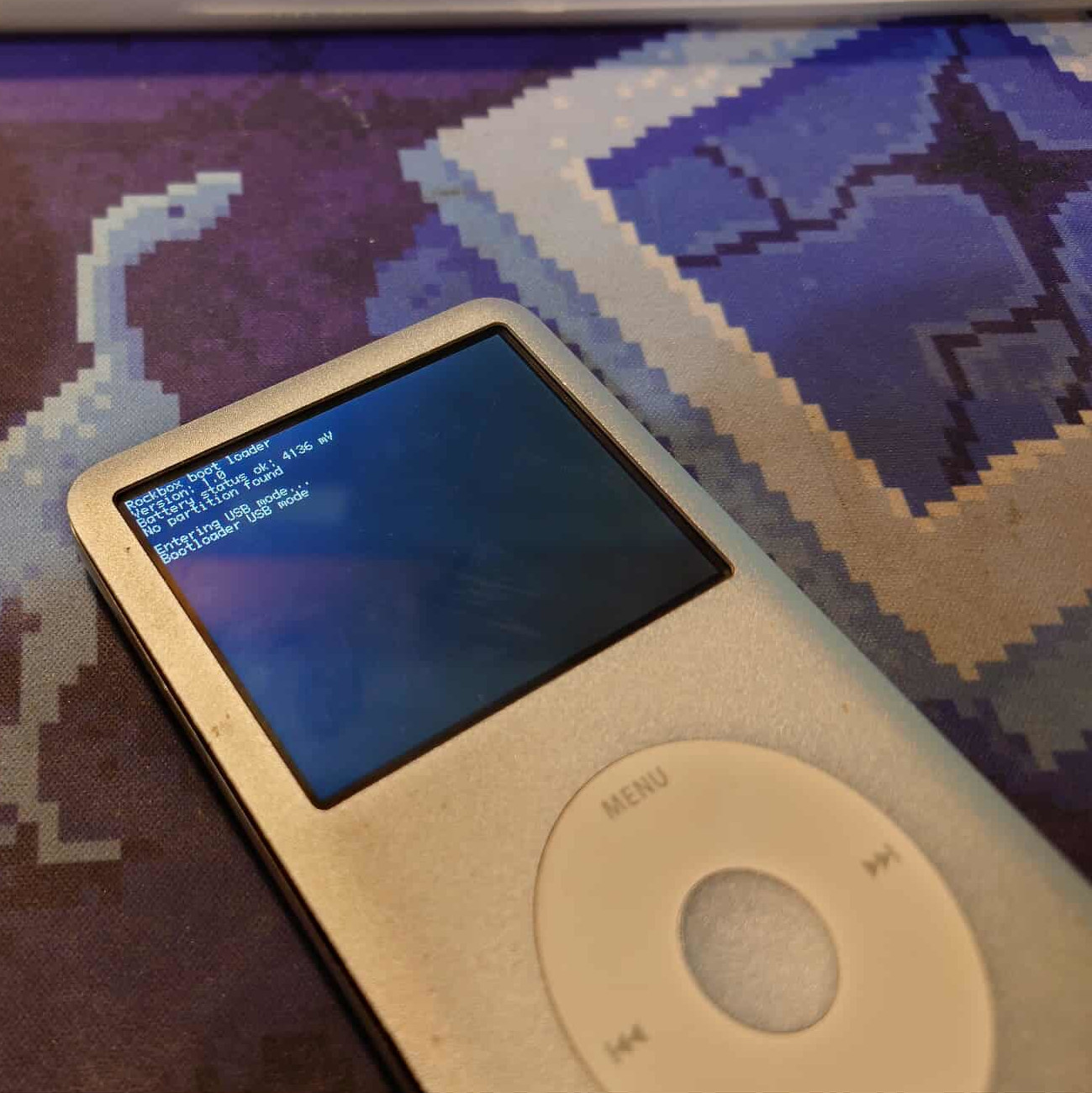
Watch out! - if you already have rockbox on your iPod, You have to flash it back to original after you switch the storage anyways, or the rockbox installation fails.
The build. Getting into those iPod Classics is PAIN. I've already done it like ~20 times prior to that, but it still took me like 20 minutes. At least I didn't leave any permanent marks.
Once open, the process is pretty straight forward. You carefully unplug the ribbon for the hold slider, carefully as it also contains the connection for the 3.5mm jack. Then unplug the battery ribbon, the harddrive, and thats basically it.
Take out the original battery, carefully again, as it's glued in. Put the new one inside, route the new battery's ribbon, put new storage in, plug in the new battery and the ribbon for jack and hold slider, ideally test it before closing up, and close up!